Home › Blog › Chatbots & AI
Chatbots & AIWhatsApp Business API: what it is, requirements, and how to get started in Colombia
What is the WhatsApp Business API, how it differs from the application, what you need to activate it in Colombia, how templates work, and how much it costs.

When a business starts receiving hundreds of messages on WhatsApp, the standard app falls short. That's where the WhatsApp Business API comes in: the official Meta connection that allows multiple agents, an automated assistant, and your systems to work on the same number. This guide explains what it is, what you need to get started in Colombia, how templates work and the costs, and what errors to avoid.
Note: Meta frequently updates its policies and rates. Always confirm the current details on the official WhatsApp Business Platform documentation before making decisions.
What is the WhatsApp Business API?
It's the official Meta platform for businesses to connect WhatsApp with their own systems. Unlike the app, the API doesn't have its own screen: it's used through software (a CRM, a support inbox, an AI assistant) that sends and receives messages.
Its current technical name is WhatsApp Business Platform, and the most commonly used way to connect is the Cloud API, hosted by Meta.
Differences between the app and the API
- Base cost. App: free. API: paid per message and, normally, by a provider.
- Users. App: one cell phone and few linked devices. API: many simultaneous agents.
- Automation. App: welcome and absence messages. API: assistants, flows, and system connections.
- Mass messages. App: limited (broadcast lists). API: with approved templates and consent.
- CRM integration. App: no. API: yes.
- Who sets it up. App: you, from your cell phone. API: a provider or a technical team.
In summary: the app is for attending to customers; the API is for scaling attention and connecting it with the rest of your operation.
When is it convenient to switch to the API?
- You receive more conversations than one person can attend to.
- You want several people to respond from the same number.
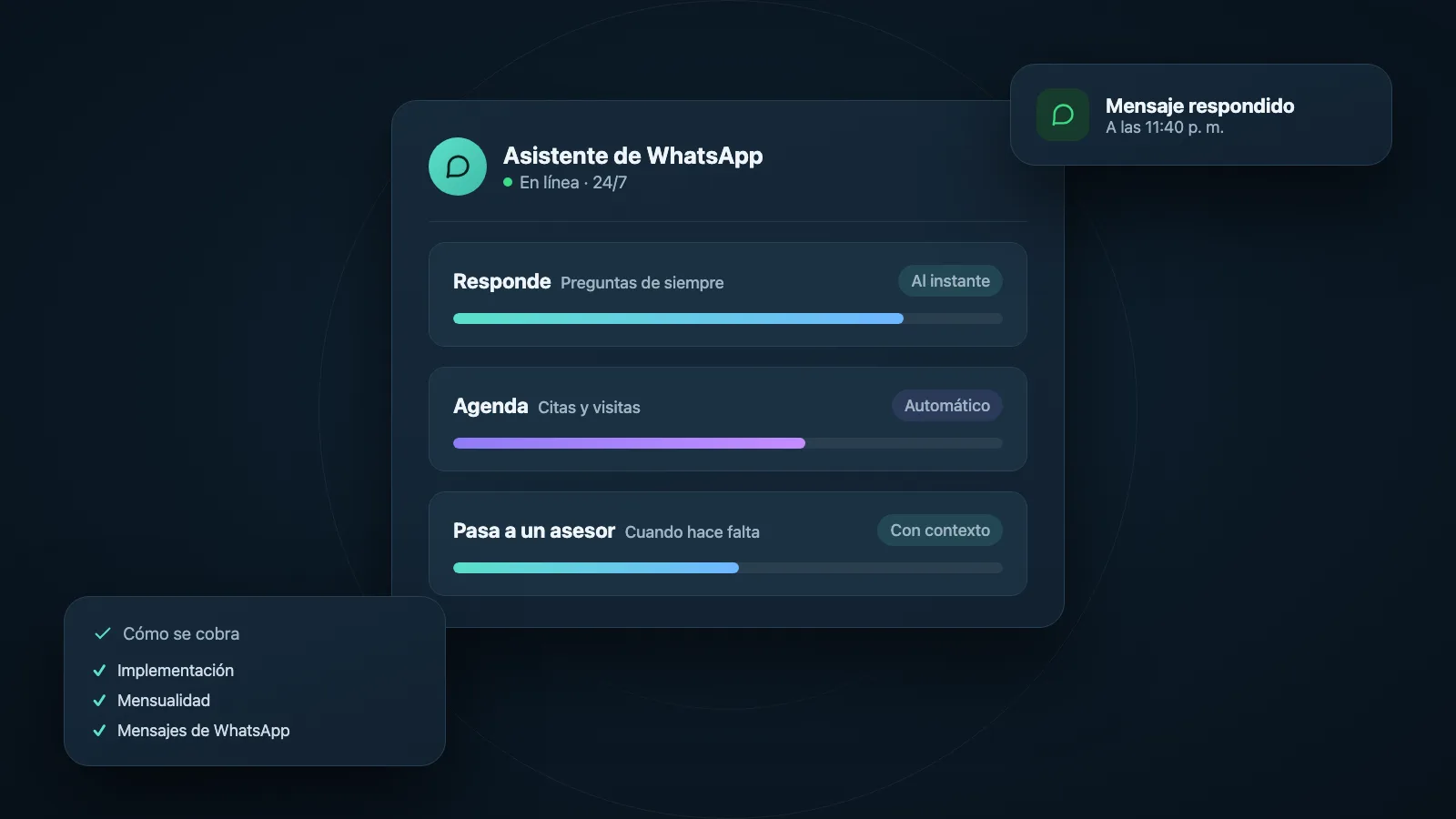
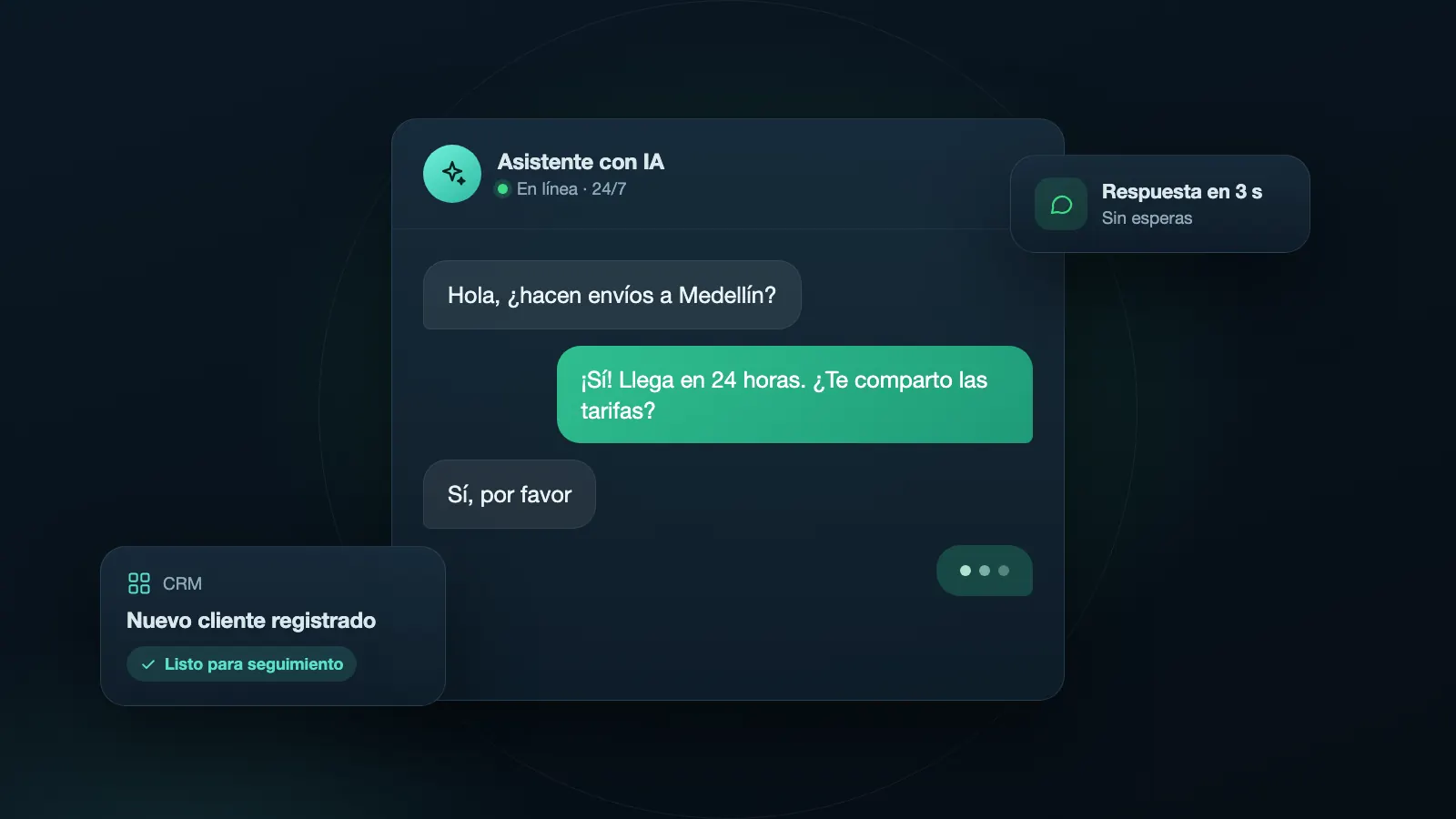
- You need an assistant to answer frequent questions and pass complex cases to a human.
- You want chats to be recorded in your CRM or order system.
- You need to send important notices (confirmations, reminders, order status) automatically.
If you're not at that point yet, start with the app. We have a guide for selling on WhatsApp that works for both cases.
What you need to get started in Colombia
1. A Meta Business portfolio
It's your business account on Meta (formerly Facebook Business Manager). This is where you manage your assets: the WhatsApp Business account, Facebook page, advertising accounts, and team permissions.
2. Business verification
Meta may ask you to verify your business, normally with documents that prove its legal existence (such as the RUT or chamber of commerce) and that the data matches your website and profile. Verification affects the message limits you can send and the trust in your account, so it's a good idea to do it early.
3. A dedicated phone number
The number you connect to the API cannot be active at the same time in the standard WhatsApp or WhatsApp Business app (unless you use the coexistence options that Meta offers, which have their own conditions). Many businesses use a new, exclusive number for the API and migrate the old one later.
The number must be able to receive a verification code by text message or call.
4. A provider or integration
There are two paths:
- Through an official provider (Business Solution Provider): a company that already has the connection with Meta and offers a ready-to-use platform (support inbox, assistants, reports). It's the fastest way, and the provider charges for their service in addition to what Meta charges.
- Direct integration with the Cloud API: a technical team connects WhatsApp to your systems. It gives more control and flexibility, but requires development and maintenance.
5. A complete business profile
Visible name, description, category, address, email, and website. Everything must be consistent with your real business.
Steps to activate the API
- Create or locate your Meta Business portfolio and verify who the administrator is.
- Choose your path: provider or direct integration.
- Register the number and confirm the verification code.
- Complete the business profile and, if applicable, start the business verification process.
- Create your first message templates and send them for approval.
- Connect your support inbox or assistant and test the full flow with internal numbers.
- Define the human process: who attends, in what schedule, and what happens outside of hours.
- Launch gradually and review the account quality during the first weeks.
Message templates and the 24-hour window
This is the rule that confuses the most, and it's the most important.
- Customer service window (24 hours): when someone writes to you, a 24-hour window opens in which you can respond with free messages, without a template.
- Outside that window: if you want to initiate a conversation or write after the 24 hours, you must use a previously approved message template by Meta.
Templates are classified by category, normally:
- Utility: confirmations, reminders, order status, appointment notices.
- Marketing: promotions, news, offers.
- Authentication: verification codes.
Meta reviews each template. Those that seem deceptive, ask for sensitive data, or are misclassified (e.g., a promotion disguised as a utility notice) are rejected. Write clearly, without exaggerations, and with simple variables (name, date, order number).
How much it costs
The cost has two parts that it's a good idea to separate:
- What Meta charges for messages. Meta mainly charges for template messages, and the value depends on the category (marketing, utility, authentication) and the recipient's country. Response messages within the customer service window generally don't have a cost for your business, and some utility templates sent within that window may also be exempt. These rules change, so check the official price list for Colombia.
- What your provider charges. A monthly fee for the platform, per agent, or per volume, and sometimes an implementation cost.
Some tips to understand the budget:
- Always ask for the cost separately: Meta's and the provider's.
- Ask in what currency they bill; some charge in dollars.
- Calculate with your real message volume initiated by the business. If almost everything is responses to customers who write to you, Meta's cost is usually low.
If you want to see price ranges for the implementation service, check our guide on how much a WhatsApp chatbot with AI costs.
Consent: what you need before writing
To send business-initiated messages, you need the person to have accepted receiving them (opt-in). Meta requires it, and in Colombia, the personal data protection rules also apply.
- Ask for authorization clearly: in a form with a checkbox, in a chat, or at the time of purchase.
- Explain what you'll use the number for and what type of messages you'll send.
- Offer a simple way to stop receiving them.
- Keep a record of the authorization.
To understand the obligations, read our guide to Colombia's Law 1581 of 2012.
Account quality and limits
Meta evaluates the quality of your number based on how people react: blocks, reports, and response rates. If the quality drops, they may reduce your message limit or restrict the account. To take care of it:
- Send only relevant messages to those who accepted receiving them.
- Segment your customers and don't send the same thing to everyone.
- Respect reasonable frequencies.
- Make it easy to opt out: whoever doesn't want more messages should be able to ask.
- Gradually scale the volume.
Frequent use cases in SMEs
- Initial automated attention: an assistant responds to frequent questions and collects data.
- Reservations and appointments: automatic confirmation and reminders.
- Orders: order status, payment confirmation, and shipping data.
- Friendly collections: payment reminders with utility templates.
- Lead qualification: the assistant asks the basics and passes good cases to an advisor.
- Post-sales: satisfaction surveys and maintenance reminders.
To see how an assistant works in these types of cases, read our guide on WhatsApp chatbots with AI for businesses.
Common errors
- Trying to connect a number that's still active in the standard app without understanding the conditions.
- Buying contact databases for mass messages. It's against policies and the law.
- Misclassified templates that Meta rejects or reclassifies.
- Not defining the handover to a human. The assistant must know when to pass the case to a person, and that person must be available.
- Ignoring the 24-hour window and not understanding why you can't respond freely.
- Not separating costs from Meta and the provider when comparing quotes.
Frequently asked questions
Is the WhatsApp Business API free? No. Meta charges for certain messages, and if you use a provider, they charge for their platform. Responses within the 24-hour window are usually free for the business, but check the current rate.
Can I use the API with my current number? It depends. If your number is in the WhatsApp app, you normally need to migrate it or use the coexistence options that Meta offers, with their conditions. Many businesses prefer a new number.
Do I need a provider? It's not mandatory, but it's the most practical option if you don't have a technical team. A provider delivers a ready-to-use platform.
How long does approval take? Business verification and template approval can take from hours to several days. Prepare the documents in advance.
Can I send mass messages? Only with approved templates and to people who accepted receiving them. It's not a tool for spamming.
Can several people attend to the same number? Yes. That's one of the big advantages over the app: several agents work on the same number through the support inbox you use.
In summary
The WhatsApp Business API is the natural step when your business needs to scale attention: multiple agents, automated assistants, and connection with your CRM. To get started well, verify your business on Meta, choose a dedicated number, decide whether to use a provider, design good templates, and always ask for customer consent. And remember that technology only works if there's a human process behind it: someone who attends, a clear schedule, and a way to resolve what the assistant can't.